
Introduction
Welcome to my reflection blog—a space where I have captured insights from Weeks 1 through 5 of my learning journeys. Each entry traces the questions I pursued, and the answers I uncovered, weaving together themes of diversity, equity, professional growth, and lifelong learning. To enrich these reflections, I have incorporated visuals, color, and multimedia that illustrate both the challenges I faced and the milestones I achieved. This blog is more than a record of lessons learned—it is a celebration of progress and a roadmap guiding the path ahead.
Week 1: Diversity, Equity, and Inclusion
How My Understanding of Diversity Has Evolved

I used to think that diversity was mainly about visible differences, such as race, ethnicity, or gender. Over time, I’ve come to realize that it also encompasses culture, language, background, abilities, and life experiences. I now see diversity as more than representation—it is about valuing the perspectives people bring. These differences make learning stronger, teamwork more effective, and fairness more possible. This understanding has changed how I interact in both work and personal life, helping me be more mindful and inclusive.
A Challenging Conversation About Diversity
I participated in a group discussion where classmates held differing views on how culture should be represented in course materials. At first, the talk felt tense because people worried about being misunderstood. Listening and asking questions, I realized that everyone shared the same goal—an inclusive environment—but had different approaches to achieving it. I learned the value of empathy, patience, and making room for other perspectives. This experience demonstrated to me that tough conversations can lead to a deeper understanding and stronger teamwork.
A Question I Still Have
Something I’m curious about when it comes to diversity, equity, and inclusion in my profession is: How can organizations move beyond surface-level efforts to create real, lasting change that supports underrepresented groups? I want to know what strategies make DEI work, meaningfully improving access, opportunity, and outcomes, instead of just being symbolic.
Week 2: Curriculum Alignment
How Standards Enhance Education
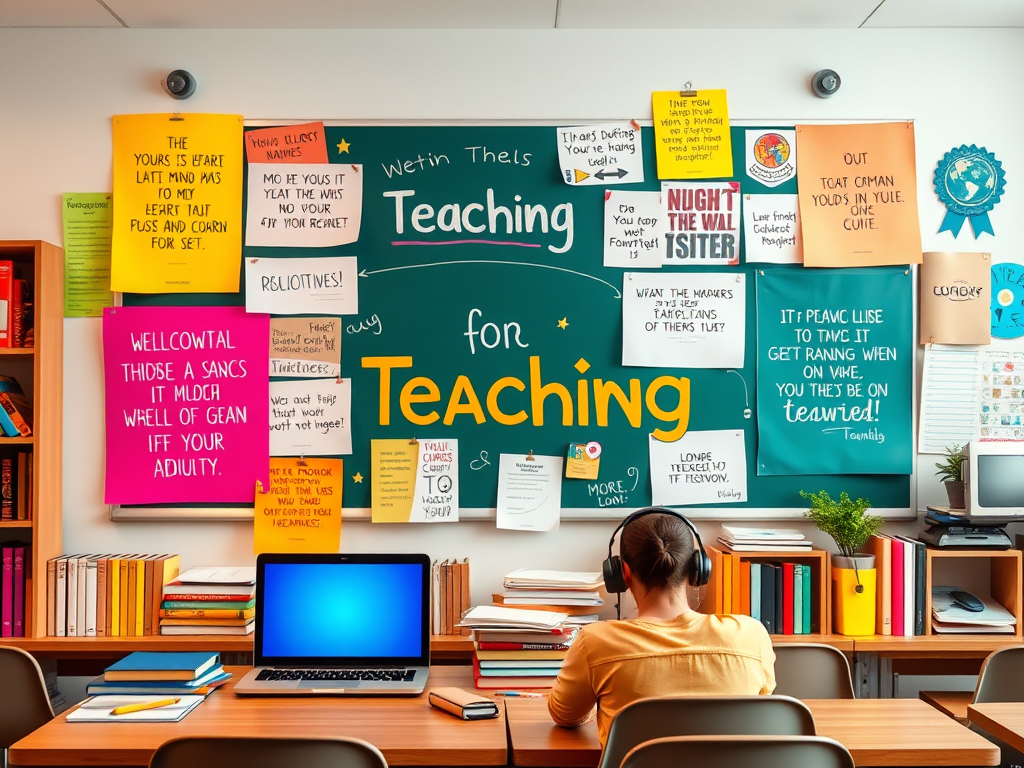
A clear understanding of standards improves education and professional practice by setting consistent expectations, guiding teaching and learning, and ensuring fairness. In schools, standards enable teachers to design effective lessons, measure student progress, and provide equal opportunities for all students. In professional practice, they define skills, encourage accountability, and support continuous growth. Overall, standards establish a shared framework that enhances quality, fosters trust, and promotes lifelong learning.
Ensuring Alignment in Instructional Planning
To keep plans aligned, start with the learning goals or standards. Ensure that lessons, activities, and tests all align with those goals. Use teaching methods that cater to students’ needs and monitor progress with assessments that accurately measure the targeted skills. Review results frequently and adjust plans so that everything—objectives, teaching, and testing—works together toward a unified purpose.
A Question I Still Have
What is one question you have about curriculum alignment as it relates to your current or future profession?
One question I would ask about curriculum alignment is: How can I design lessons that meet standards but still adapt to my students’ needs and interests
Week 3: 21st‑Century Outcomes

Developing My Own 21st‑Century Skills
I will continue to develop my 21st-century skills by incorporating technology, teamwork, and problem-solving into my teaching. To learn more, I plan to attend workshops on digital tools and project-based learning. I also plan to go to conferences that share new teaching ideas. Working with other teachers in learning groups will help me share and improve my practices. These steps will make my teaching stronger and help students succeed in today’s world.
Defining 21st‑Century Skills
To succeed in today’s rapidly changing world, students must develop strong 21st-century skills. They include thinking critically, being creative, communicating clearly, working in teams, using technology, and adapting to new situations. These skills aren’t just about remembering facts; they help students tackle real-world issues and collaborate with others. They matter in education because modern life requires flexible thinking and ongoing learning. Teaching these skills prepares students for tests, jobs, citizenship, and a prosperous future.
A Question I Still Have
One question: How can teachers use digital tools to support learning without them becoming distractions or extra tasks?
Week 4: Educational Research and Action Research
Continuing the Cycle of Action Research
I plan to continue using action research by trying new ways to engage students more, such as incorporating simple tech tools into lessons. After trying them, I will review student feedback and participation to determine what worked. I also want to test different types of assessments, such as peer reviews or projects, and compare them with regular tests. By planning, acting, checking results, and reflecting, I can keep improving my teaching.
How Educational Research Improves Practice
Educational research helps teachers grow by giving real examples of what works in the classroom. It shows us better ways to teach, assess, and connect with students so learning feels more meaningful. Research also prompts us to reflect on our own practice and make changes based on evidence rather than guesswork. When teachers use these insights, they can create lessons that are more engaging and supportive for every student.
A Question I Still Have
How can the changes I try in class improve real learning, rather than just quick engagement?
Week 5: Educational Collaboration
Benefits of Collaboration in Teaching

Collaboration in teaching, such as in Professional Learning Communities (PLCs), enables teachers to share ideas and refine their lessons. It makes learning more consistent by aligning goals and expectations across classrooms. Working together also gives teachers support and new ways to solve problems. This teamwork ensures students get fair chances to learn and the help they need. Ultimately, collaboration enhances student learning and engagement by facilitating more effective teaching strategies.
Challenges and How to Address Them
Some barriers to collaboration in teaching include a lack of time, differing teaching styles, and low trust among teachers. Busy schedules often make it hard to meet and plan together. Conflicting ideas or unwillingness to change can also cause problems. Without clear goals or support from school leaders, teamwork may not feel useful. These issues can be addressed by setting aside time, fostering trust, and having strong leadership to guide teachers in collaborative work.
A Question I Still Have
What strategies can schools use to make collaboration between teachers more effective and meaningful?
Final Reflection

Academic Achievements
One of my proudest academic achievements was completing my capstone project. It required synthesizing knowledge from multiple courses, conducting independent research, and presenting my findings professionally. This project challenged me to apply theory to real‑world scenarios and strengthened my confidence as a learner. I am also proud of maintaining a strong GPA while balancing coursework with personal and professional responsibilities. These accomplishments highlight my perseverance, time‑management skills, and commitment to academic excellence.
Professional Skills
Throughout the program, I strengthened essential professional skills such as communication, collaboration, problem‑solving, and analytical thinking. Working with peers from diverse backgrounds improved my ability to function effectively in teams. Tackling complex, evidence‑based assignments sharpened my critical thinking and adaptability. These skills align with the expectations of modern workplaces and prepare me for the next stage of my career.









 Dismelkogmail